
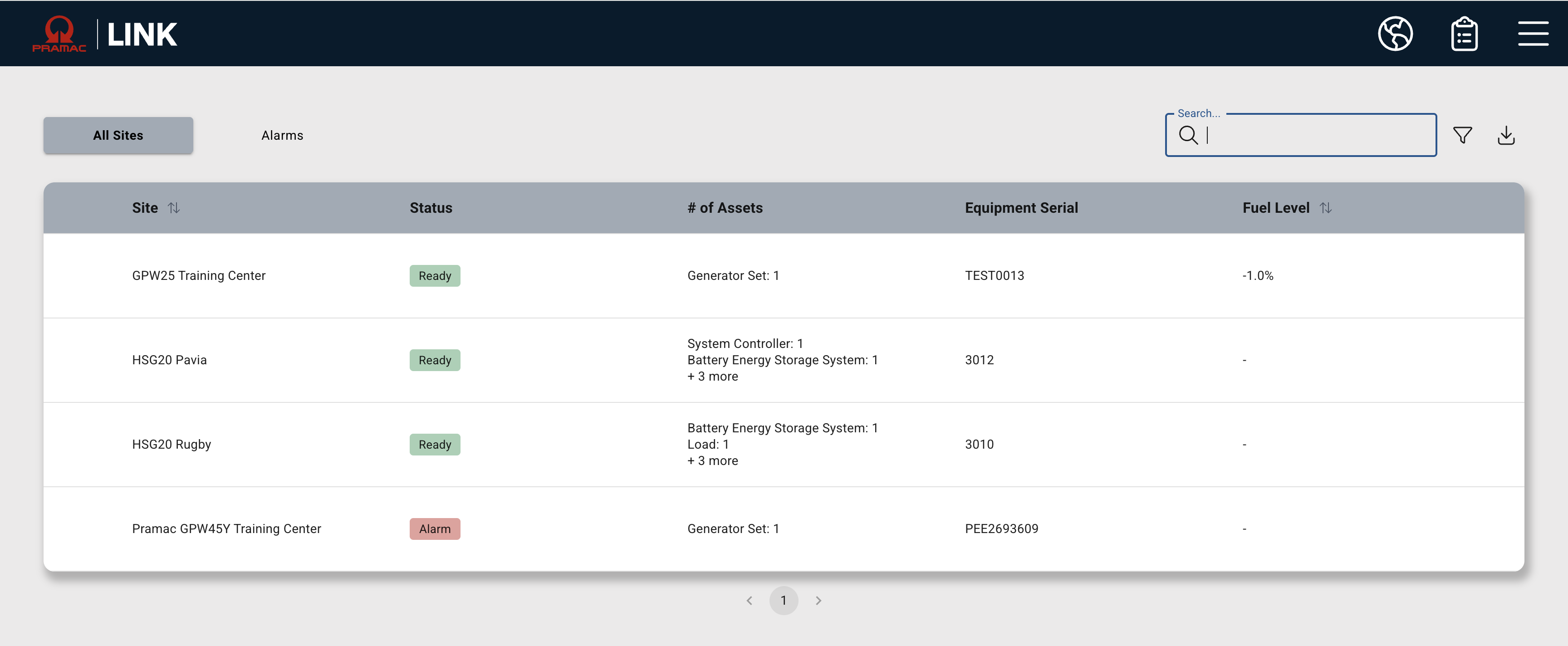
The List View can be accessed by clicking the clipboard icon in the header menu. Users can filter for sites by Status, Site Group, or Search for a site by Site Name, Gateway Serial Number or Equipmetn Serial number. The list will display:
-
Site Name
-
Current Status
-
Type and quantity of equipment
-
Gateway Serial Numbers
-
Last Known Fuel level %
This data can also be exported by clicking the “Download” icon. Clicking an entry in the list will bring you to the site summary page.
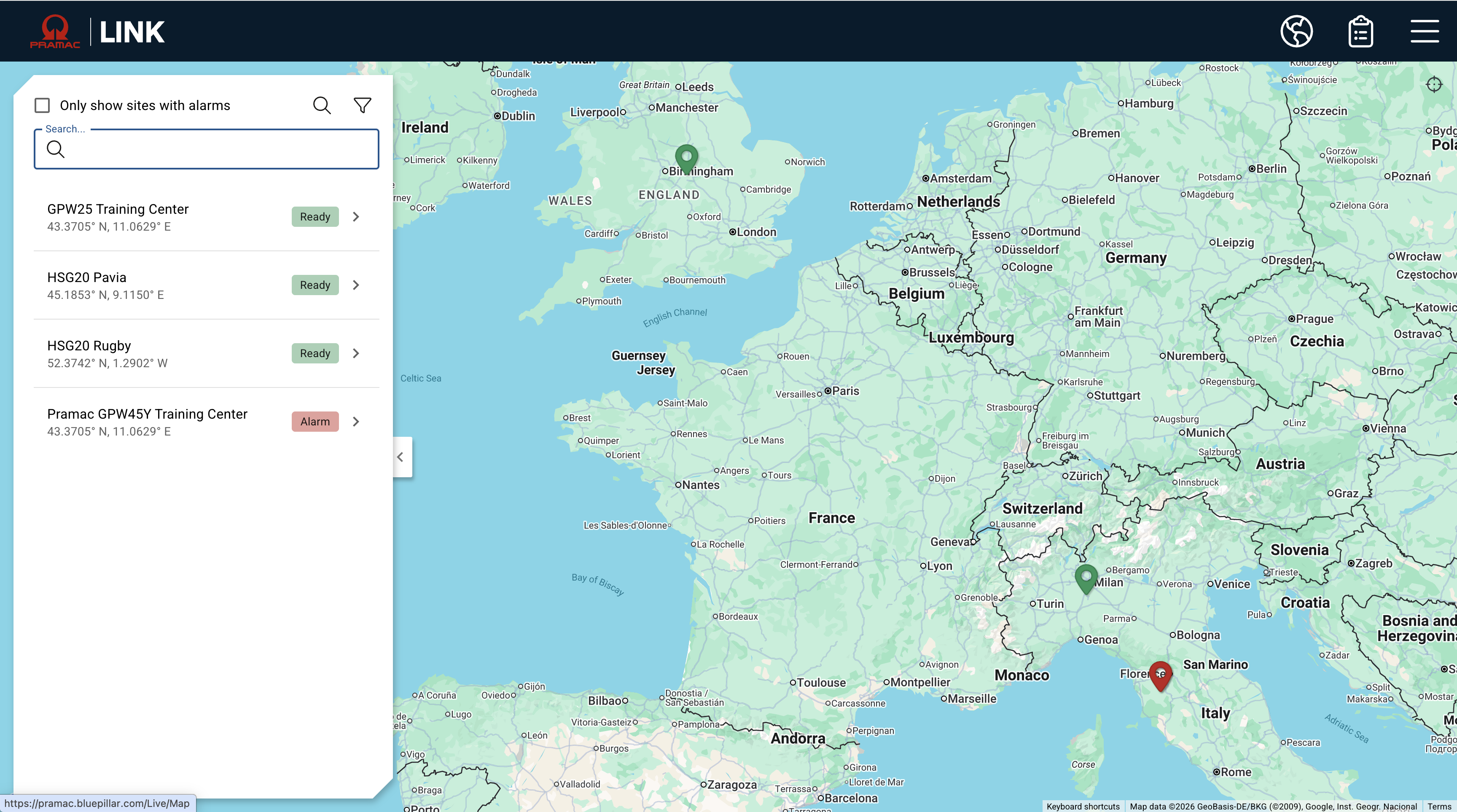
For Sites to render in any of these views, the Site must be associated with the user in User Permissions. Normally the administrator would set these up in advance.